Changelog
What's new in PinaSweldo, release by release, from the first calculator to today.
- Latest version
- 1.30.0 · November 2, 2026
- Releases
- 55
- Changes
- 522
Versions follow Semantic Versioning: a new feature raises the middle number and a fix the last. Changes to rates and the law are kept in their own list.
522 changes in 55 releases
1.30.0Tax now follows RR 11-2018: BIR's withholding table each payday, with the year squared in December
Latest8 changed, 1 removed, 1 fixed
Payroll takes tax each payday using BIR's withholding table for your pay period, and squares the year in December or when you leave. PinaSweldo now works it out the same way, step by step, and no longer offers a choice of method. Your year's tax doesn't change.
Changed
- Each payday's tax is BIR's withholding table for your pay period: twice a month, monthly or weekly, following the paydays you set. At ₱30,000 a month that's ₱503.70 a payday, ₱1,007.40 a month.Calculator
- The tax explainer shows the working in order: your taxable pay, the table for your payday, the year's tax, and what December's payroll does to square it.Calculator
- Paydays and tax explains how payroll withholds instead of asking you to pick a method.Calculator
- Your year takes the tax on a bonus past ₱90,000 in the month it's paid, at the rate your regular pay is on, then squares the year in December or with your last pay if you leave.Calculator
- Check my payslip recognises a payroll that spreads the year's tax evenly, and says that BIR's table is the rule.Calculator
- The glossary's withholding tax, annualization and year-end adjustment entries, and the withholding tax guide, say when each one applies.Guides
1.29.0Your payslips over time, your loans, your envelopes, and offline
10 added, 6 changed
Save the payslips you check and see what changed between any two, track when each loan ends, split each payday into envelopes with what's safe to spend a day, and use all of it without a connection. Everything stays on your device.
Added
- Save a payslip from Check my payslip to Payslip history in Tools, with its payday. It stays on this device only.Calculator
- Payslip history shows your take-home on each saved payslip and compares any two line by line: SSS moving with your salary credit, a payday that took all the contributions, overtime, a raise, a new HMO line, and more.Calculator
- When a change has no explanation, Payslip history writes a polite question to HR for you to copy, in English or Filipino.Calculator
- The Loans tracker shows when each SSS, Pag-IBIG, GSIS or company loan ends on your own paydays, what's still owed, and your take-home once each one is paid. Interest is worked out only when you enter a rate.Calculator
- The Loans tracker says how far your take-home after loans is from the ₱5,000 floor in the FY 2026 GAA.Government
- Kinsenas envelopes split each payday into bills, rent, food, pamasahe, padala, ambagan, ipon, load, utang and an emergency fund, and show what's safe to spend each day until the next payday.Calculator
1.28.0HMO, union dues and the rest of your payslip
5 added, 6 changed
Loans and deductions now takes your payslip line by line: HMO for dependents, union dues, coop, SSS and company loans, cash advances and more, each with what the law says. Union dues also lower your tax. Language and dark mode are easier to find.
Added
- Loans and deductions in Fine-tune takes each line from your payslip: HMO for dependents, union dues, cooperative, SSS loan, Pag-IBIG MPL, company loan, cash advance, insurance or savings plan, and more. Pick a kind, enter the monthly amount.Calculator
- Each line says in a sentence what it is, and Why? explains whether it changes your tax and which law allows it, with a link to the official text.Calculator
- Union dues come off your taxable pay, like your SSS and PhilHealth. ₱300 of dues on ₱30,000 a month lowers your income tax by ₱45.Calculator
- The breakdown's Loans and other deductions line opens to list each one, and the tax working shows union dues when you have them.Calculator
- The glossary explains union dues, HMO for dependents, cooperative deductions, company loans and cash advances.Site
Changed
- Check my payslip compares your payslip's loans and other deductions with the lines you entered.Calculator
1.27.0A glossary of pay words
6 added, 1 changed
133 words from job offers, payslips and government forms, from kinsenas and MSC to Form 2316 and the PERA, each in one plain sentence with an example in pesos and the law behind it.
Added
- A glossary at /glossary: 133 words, each with one plain sentence, an example worked out on the ₱30,000 month, why it matters to you, related words, and a link to the law or agency page it comes from.Guides
- Every word has its own page to share, with the way into the calculator or the guide where it applies.Guides
- Search knows the everyday names: "kinsenas" finds semi-monthly pay and "tax refund" finds the year-end adjustment.Guides
- Filter by who you are (fresh grad, career shifter, government) or by topic, start with the ten words everyone meets first, or jump by letter.Guides
- Small drawings where a picture explains: where ₱30,000 a month goes, how pay rounds to its SSS salary credit, and the income tax steps.Design
- The page around the words is in all 16 languages. The entries are English, with the Filipino words people use.Languages
1.26.0Every rule, with its source
5 added, 6 fixed
A check of every computation against the law itself. Each explanation now links to the official text, a Sources page lists every law and wage order used, and three corrections: a kasambahay's SSS, government leave in cash, and what leave a company must convert.
Added
- Every SSS, PhilHealth, Pag-IBIG, GSIS and tax explanation links to the law or circular behind it, opening the official text in a new tab.Calculator
- A short line under the breakdown says which rates the figures use and links to the sources.Calculator
- About the code has a Sources list: every law, regulation, circular, proclamation and wage order used, with what it covers and when it applies.Site
- Unused leave in cash asks whether your company converts leave. By law only the 5 days of service incentive leave are converted; anything more depends on your company's policy, contract or CBA.Calculator
- Unused leave in cash for government employees: monetized leave or terminal leave, worked out the Civil Service Commission's way and tax-free in full.Calculator
Fixed
- A kasambahay's SSS salary credit now starts at ₱1,000, as the household table does, not ₱5,000. At ₱3,000 a month the employer's share is ₱450, not ₱750. The kasambahay's own take-home doesn't change.Calculator
1.25.0Coming paydays, to 2036
6 added, 1 changed
Every payday from today to the end of 2036, with a countdown, the take-home for each, and the ones that move for a weekend or a holiday. Holidays for 2026 and 2027 come from their proclamations; later years are marked as expected.
Added
- Coming paydays, under Check: the next payday with a countdown and its take-home, the ones after it, and every payday a year at a time to 2036.Calculator
- Choose whether your company pays the working day before or after when a payday falls on a weekend or holiday. Your choice stays on this device.Calculator
- Paydays marked when they take the contributions, when the 13th month is due by 24 December, and for government employees, the Mid-Year and Year-End Bonus paydays.Calculator
- Holidays to 2036: the 2027 proclamation, the days the law fixes, Holy Week from Easter, and estimated Eid dates, each marked as confirmed or expected, with the laws linked.Calculator
- Add the next six paydays to your calendar, as a file made on your device. Amounts stay out unless you turn them on.Calculator
- The new lines in all 16 languages.Languages
1.24.2Sharper icons, and a household of one
1 added, 4 changed
Added
- Were my contributions paid in? shows each agency's logo beside its member site, and a phone beside the eGovPH app.Calculator
Changed
- Where this income sits now starts at a household of one: just you. Add the people who rely on your pay to compare a household. A size you already chose stays.Calculator
- The PinaSweldo icon is redrawn so it stays sharp in a browser tab, with a simpler drawing at the smallest size.Design
- In a dark browser the tab icon turns light, so it no longer disappears against a dark tab bar.Design
- Adding PinaSweldo to a home screen gives a sharp icon on Android and iPhone, shaped to fit Android's round and rounded icons.Site
1.24.1SSS and Pag-IBIG count all your pay
7 fixed
Fixed
- SSS now counts all your pay for work: basic pay, overtime and holiday pay, taxable allowances, commissions and bonuses other than the 13th month and Christmas bonus. ₱20,000 basic with a ₱3,500 allowance is a ₱23,500 salary credit, ₱1,175 from you, not ₱1,000.Calculator
- Incentives and commissions from Fine-tune now count toward SSS and Pag-IBIG, as the law requires. PhilHealth stays on basic pay.Calculator
- Pag-IBIG counts the same pay, up to ₱10,000. ₱8,000 basic with a ₱2,000 allowance is now ₱200 a month, not ₱160.Calculator
- The SSS, PhilHealth and Pag-IBIG explanations show the pay each one counts, and say that PhilHealth counts basic pay only.Calculator
- The payslip checker says when your payroll seems to count basic pay only for SSS or Pag-IBIG.Calculator
- Life events counts a commission or performance bonus for SSS in the month it is paid. The 13th month and the Christmas bonus never count.Calculator
1.24.0Less to read, your own paydays
5 added, 4 changed, 1 fixed
Friends' feedback: every explainer and sheet opens on one line, with the detail and the law one tap deeper; incentives and commissions; paydays on the days your company pays; a day of your pay as a story; a calmer header; and a clearer offer comparison.
Added
- Incentives and commissions under Fine-tune, for pay that follows the work (per patient, per unit, for reviews, per sale), as a typical month or the average of three.Calculator
- Choose your paydays: any two days of the month, once a month, or a weekday every week. The Payday view, its badges and the coming paydays follow.Calculator
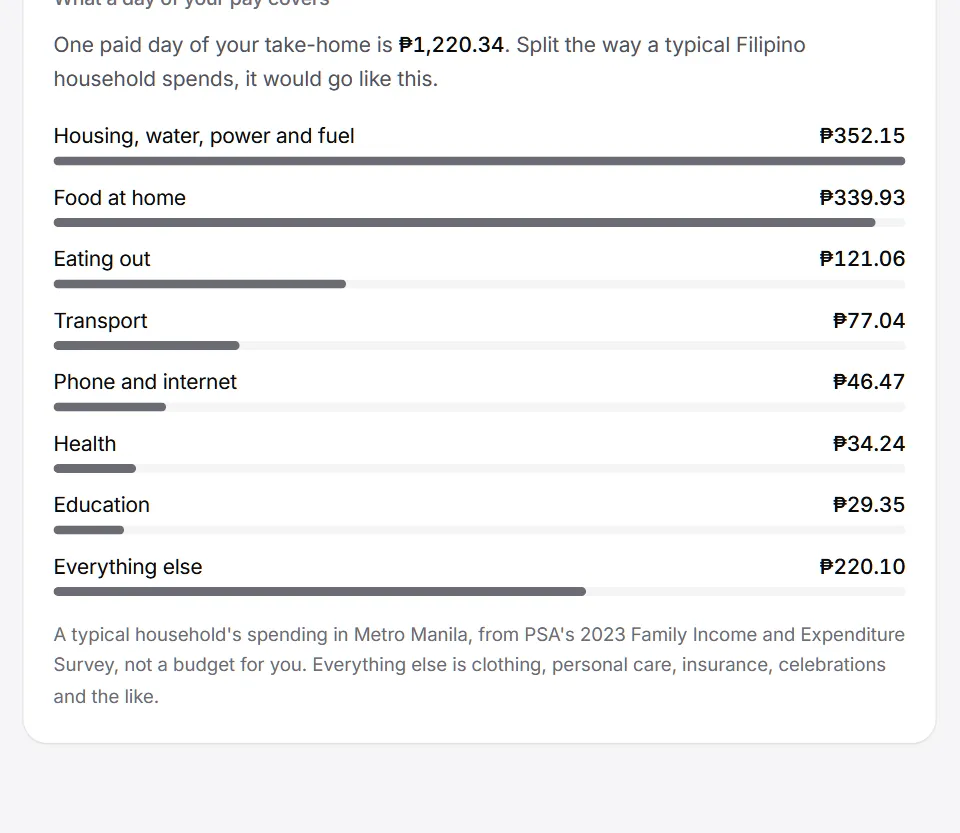
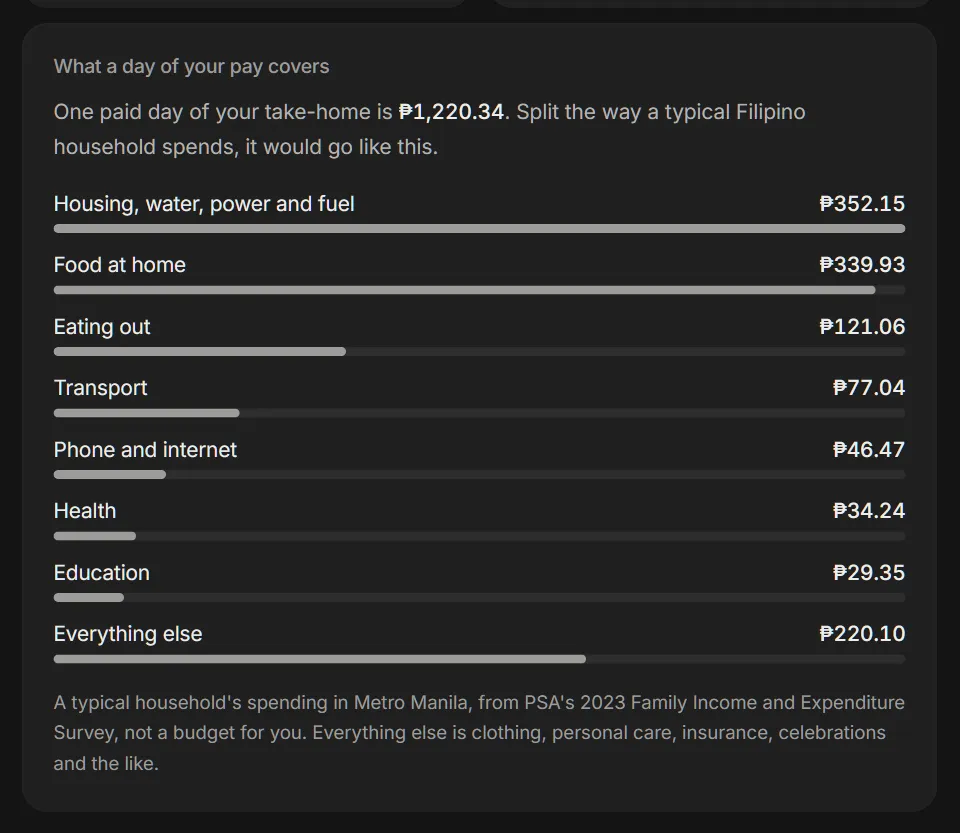
- A fifth story, My day: one paid day of take-home, what a typical household's day would make of it, and what comes off each day.Sharing
- An icon for each line of "What a day of your pay covers".Calculator
- Add PinaSweldo to your phone's home screen and it opens in its own window.Site
Changed
- Each deduction opens on one short line and its working; the longer explanation and the law are under Why?.Design
1.23.0A changelog
7 added
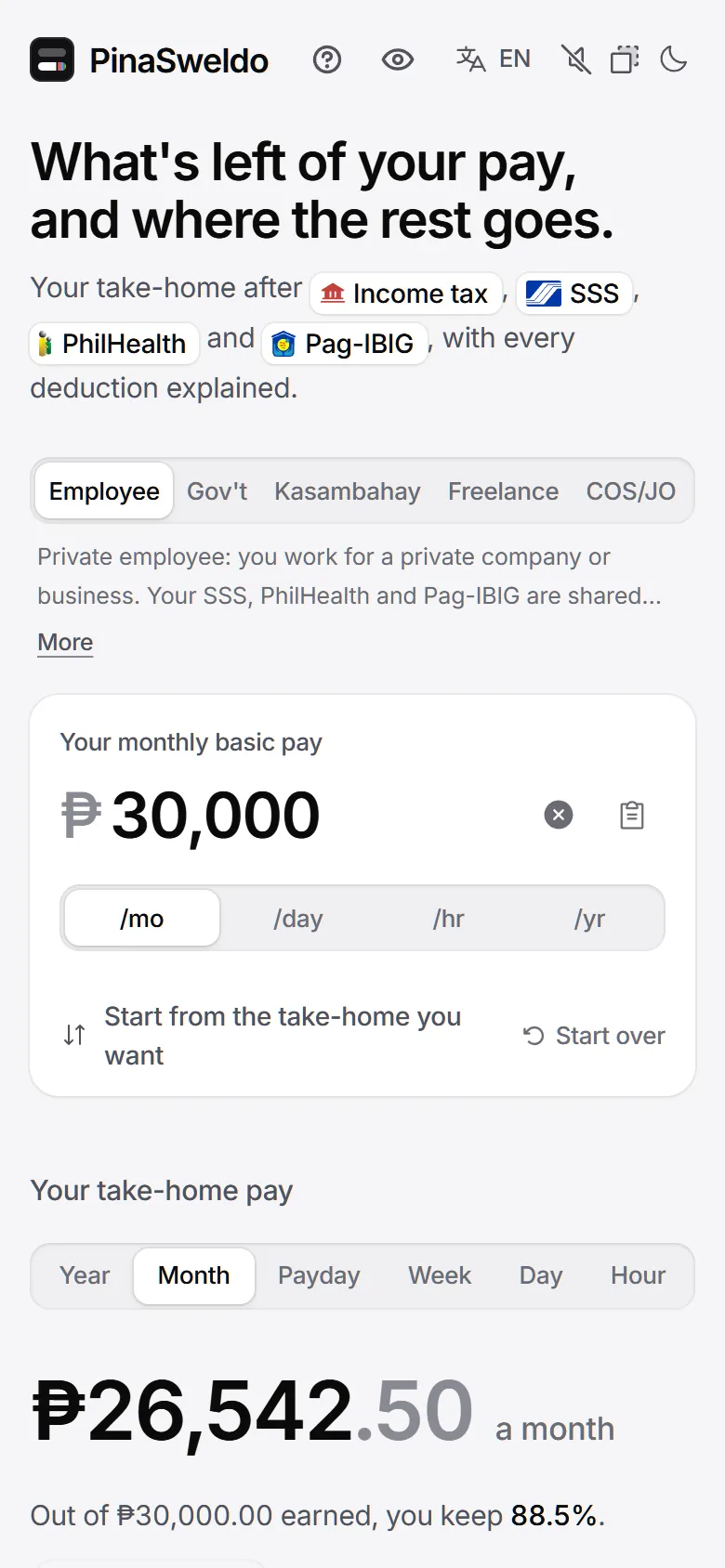
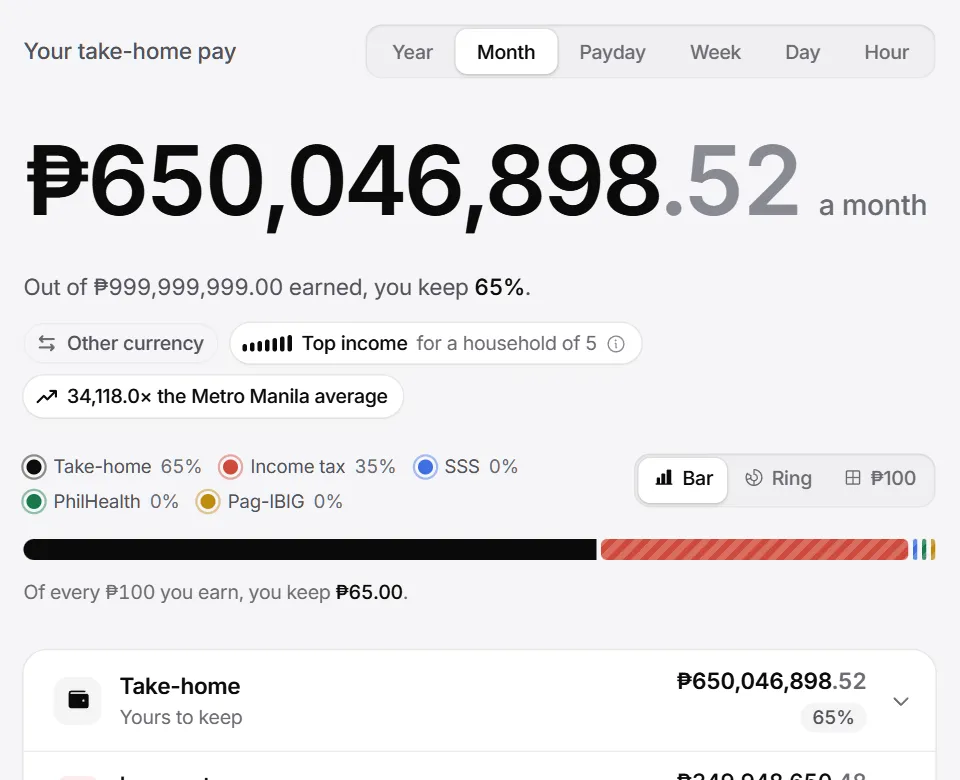
Every release of PinaSweldo, from the first calculator to today, on one page and one page per version, with screenshots and feeds to follow along.
Added
- This changelog: every release since the very first version, newest first, with what changed in plain words.Site
- A page for each release, with its changes grouped as Added, Changed, Removed, Fixed and Security, and a link to each entry.Site
- Filter the changelog by kind of change or by part of PinaSweldo, or search every entry.Site
- Annotated screenshots: numbered marks on the picture, each matched to a caption underneath.Site
- RSS, Atom and JSON feeds of every release.Site
- The current version in the footer, beside the rules date, linked to this page.Site
1.22.1Toasts that fit, theme that follows
5 fixed
Fixed
- A message the page shows before its toasts have loaded is kept and shown, instead of lost.Design
- Without saved settings, for example in a private window with storage blocked, the page follows the system theme instead of always light.Design
- Toasts are shorter and fit their pill.Design
- Offline, the résumé check says you are offline instead of failing.Site
- Copying the question for HR falls back to a way that works when the browser refuses the clipboard.Calculator
1.22.0Calm states for when things go wrong
9 added, 5 changed, 2 fixed
Every empty, error, loading and offline moment now says what happened and what you can do next, in the same calm voice and the same few shapes.
Added
- One shared look for empty states, errors, inline errors, loading and undo, used across the site.Design
- Offline, a calm note under the header says the calculator still works, since it runs on your device.Calculator
- When a shared link replaces your own figures, a note says so, with Back to mine.Calculator
- A link with parts that didn't add up says which were left out.Calculator
- When the browser blocks storage, a note says your figures won't be kept on this device.Calculator
- An error offers Try again before Start over.Site
1.21.2Library updates
1 changed
Changed
- The animation library and the build tools moved to their latest minor versions.Site
1.21.1Hidden amounts stay hidden
1 fixed
Fixed
- With amounts hidden, the salary field stays blurred when the page opens, even though it takes focus on a desktop. It clears on your first keystroke and blurs again when you leave the field.Calculator
1.21.0A day of pay, hidden amounts and a question for HR
15 added, 3 changed
What one paid day covers, a blur for every peso on screen, and new tools for the moments around payday: when payday moves, unused leave in cash, checking contributions were paid in, and a polite question for HR.
Added
- What a day of your pay covers: one paid day of take-home split by a typical Filipino family's spending shares, from PSA's 2023 Family Income and Expenditure Survey, for the whole country or your region.Calculator
- It is described as the survey's average household, never as a budget, and worked out on your device.Calculator
- Hide amounts: blur every peso amount on screen from the header, or with Alt+Shift+P.Site
- The blur is a look, not a setting: it stays on this device, never goes in a link, and is in place before the page first shows.Site
- Printing and story images keep their figures, on purpose.Calculator
- A gentle note when part of a minimum wage earner's pay is taxable: allowances or benefits past the ₱90,000 limit, while the wage, overtime, holiday pay and night differential stay tax-free.Calculator
1.20.0The answer first, a shorter phone page
7 added, 9 changed, 5 fixed
A pass over the calculator from a design review: the next useful step sits beside the answer, every Fine-tune sheet shows what it does to your take-home, and the phone page gets shorter.
Added
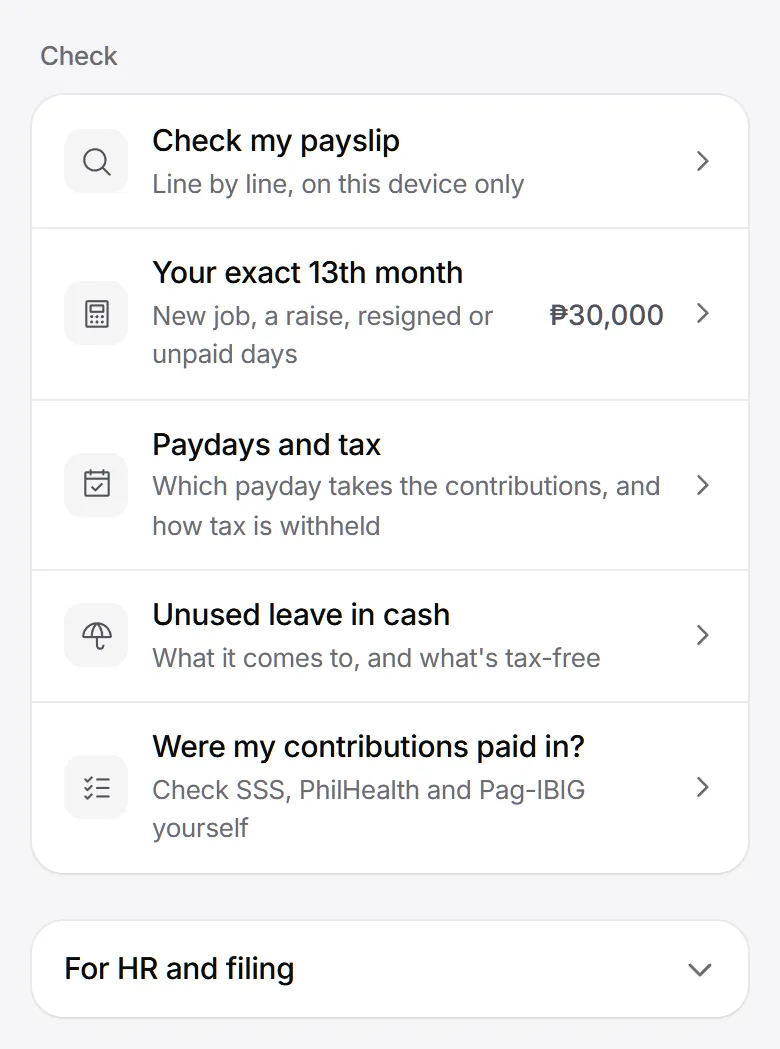
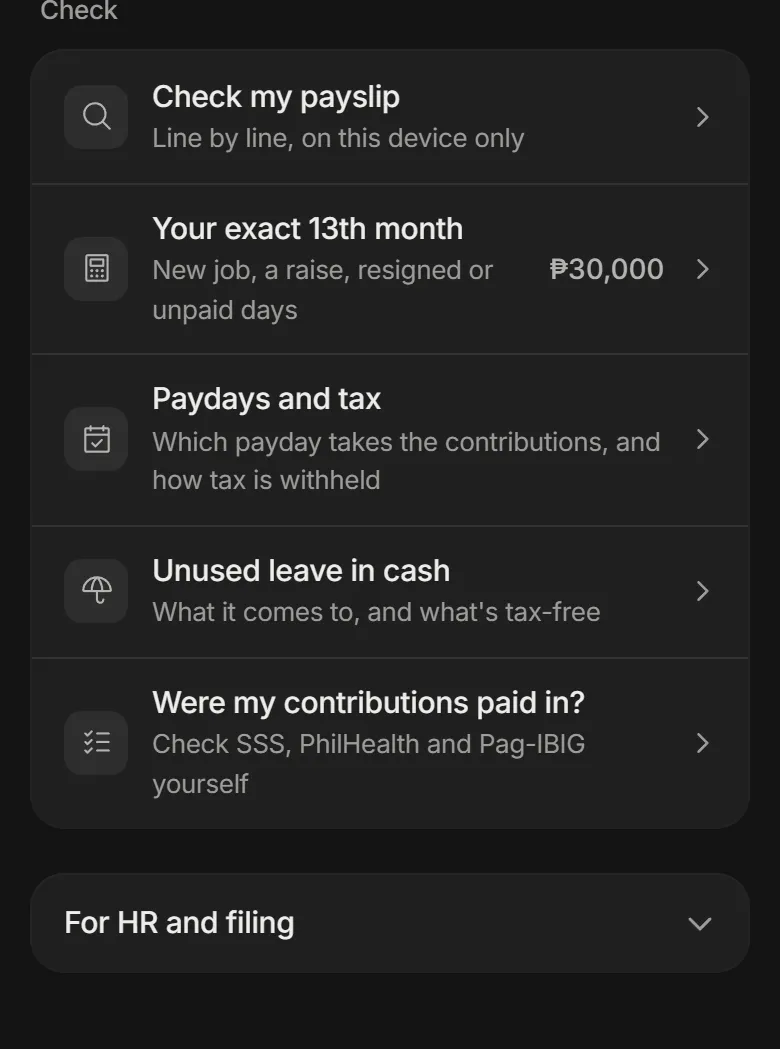
- Check my payslip and Your exact 13th month sit right under the result, as the next step after the answer.Calculator
- Every Fine-tune sheet shows your take-home above Done: from the figure when the sheet opened to the one now, in the period the page shows.Calculator
- Screen readers hear the new take-home once it settles, not on every keystroke.Accessibility
- Start over, in the salary panel, resets everything, with Undo.Calculator
- The walkthrough ties its yearly figure back to the monthly answer, the 12 months plus the 13th month.Calculator
- Questions people ask shows five questions per group, then Show all. The rest stay findable with find in page.Site
1.19.0One type scale, one corner scale
7 changed, 1 fixed
A tidy-up you can feel more than see: every size of text and every rounded corner now comes from one short list.
Changed
- Fourteen text sizes, from 11px to 48px, used everywhere instead of dozens of one-off sizes.Design
- Guide headings now match the home page's, at the same sizes.Guides
- Ten corner sizes. A shape inside another takes its corner from the one around it, so nested corners stay parallel.Design
- The guide's call to action and the portfolio card wear the same lit surface as the primary button.Design
- One focus ring everywhere: 2px of ink with a 2px gap.Accessibility
- One rule for quiet centavos, picked by the size of the figure.Design
1.18.1Security hardening
1 security
Security
- Security hardening for the résumé and survey checks.Site
1.18.0The answer on the first phone screen
6 changed, 3 fixed
On a phone, the take-home now fits on the first screen, with the extras folded until you want them.
Changed
- On a phone, the salary and the take-home fit on the first screen.Calculator
- The short line above the headline is no longer drawn. It stays in the heading for search and screen readers.Calculator
- The worker type description shows two lines, with More to read the rest, on phones.Calculator
- A few more numbers fold under their heading on phones.Calculator
- The header's background button has one clear icon, and every header control has a tooltip.Design
- The rates line in the footer keeps a readable width.Site
1.17.0Calm motion, numbers that fit
6 added, 9 changed, 3 removed, 9 fixed
Clicks felt shaky and transitions busy. Motion is now small and consistent, taps don't move the layout, and very large numbers stay inside their boxes.
Added
- Peso fields stop at ₱1,000,000,000. A keystroke or paste past it is turned away with a note, never trimmed without telling you.Calculator
- The digits in a peso field shrink to fit as the number grows.Calculator
- The take-home, the phone dock, the 13th month total and the rates by year figures stay on one line, even at ₱9,999,999.99 and up.Calculator
- Returning visitors see an outline of the calculator while their saved figures load, instead of a blank space or ₱0.Calculator
- Exchange rates load into placeholder rows shaped like the list.Calculator
- Buttons, switches and chips answer a press anywhere in a 44px area on touch screens.Accessibility
1.16.1Headings that always show
2 fixed
Fixed
- Headings could stay invisible on the live site when the page's scripts ran late. They now always show.Design
- A heading you have already scrolled past, after a fast fling, a link or a reload, shows at once instead of waiting hidden.Design
1.16.0Headings that rise in
4 added
Big headings arrive word by word the first time you reach them, in every language.
Added
- Display headings rise in word by word the first time they scroll into view, on the home page, guides, legal pages, the survey and the 404.Design
- Chinese and Japanese headings are split into words, and Latin words stay whole inside Arabic.Languages
- Without scripts, or with reduced motion, the words are simply there.Accessibility
- Switching language shows the new words at once instead of replaying.Languages
1.15.0Rolling counters
5 added, 2 changed, 2 fixed
Every stepper becomes a rolling counter you can drag, tap or type, and the survey gets proper outlined fields.
Added
- A rolling counter in place of every stepper, for work days, hours, years and meals. Drag the number, tap it to type, or use Home, End, Page Up and Page Down.Calculator
- A soft tick on each step, through the sound switch.Calculator
- Outlined survey fields whose label lifts out of the way as you type, for text, number and money answers.Survey
- Survey hints and errors are tied to their fields, so screen readers announce them.Accessibility
- The survey's money answer reads typing and pastes the same way the calculator does.Survey
Changed
- Helper text under the minimum wage and COS 8% switches rewrites itself in place instead of jumping.Calculator
1.14.0A four-column footer
3 added, 4 changed, 1 removed, 3 fixed
A proper footer, a worked example on the empty calculator, and a desktop layout where the inputs follow you down the page.
Added
- A four-column footer, with the PinaSweldo wordmark faint across the bottom.Site
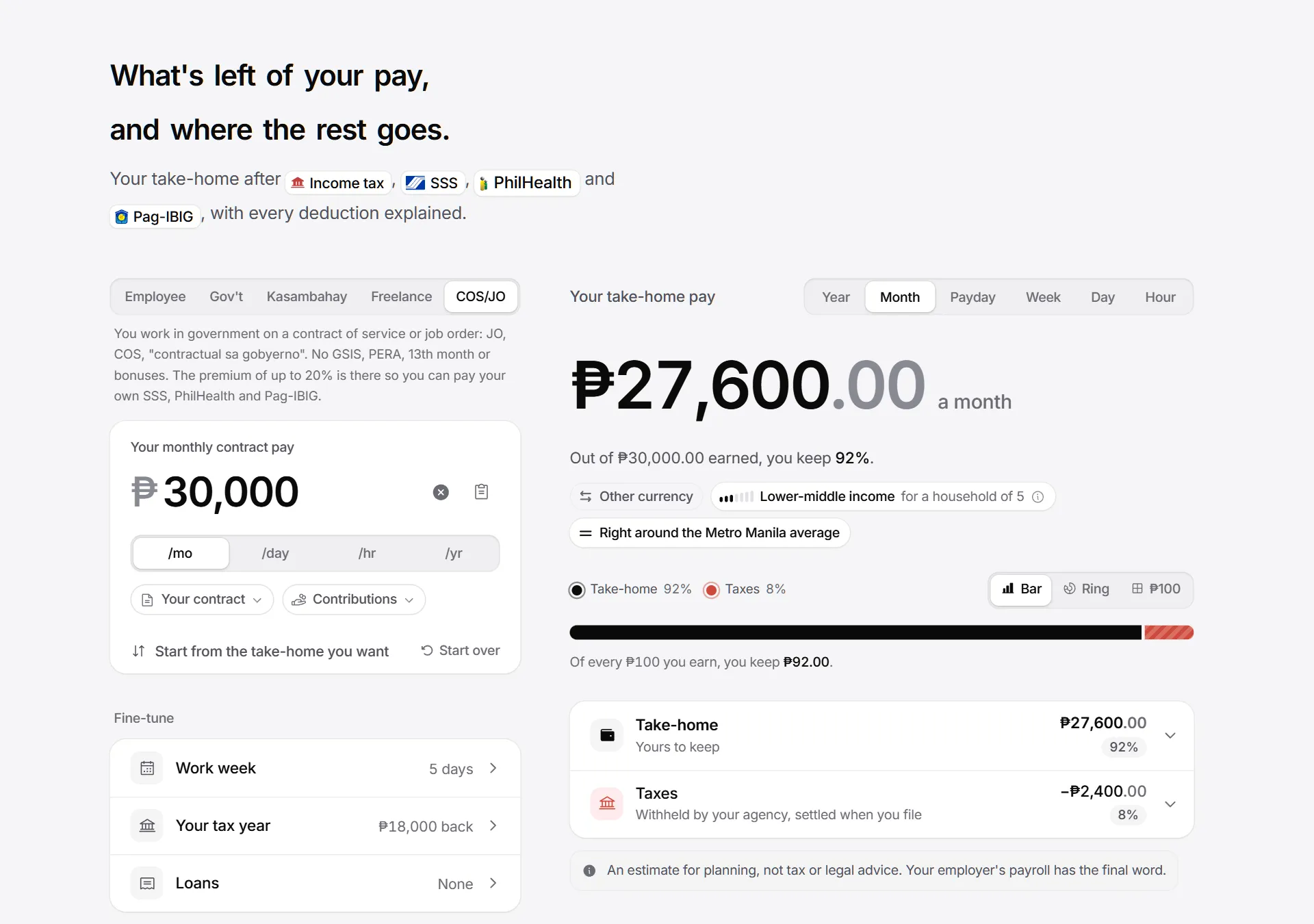
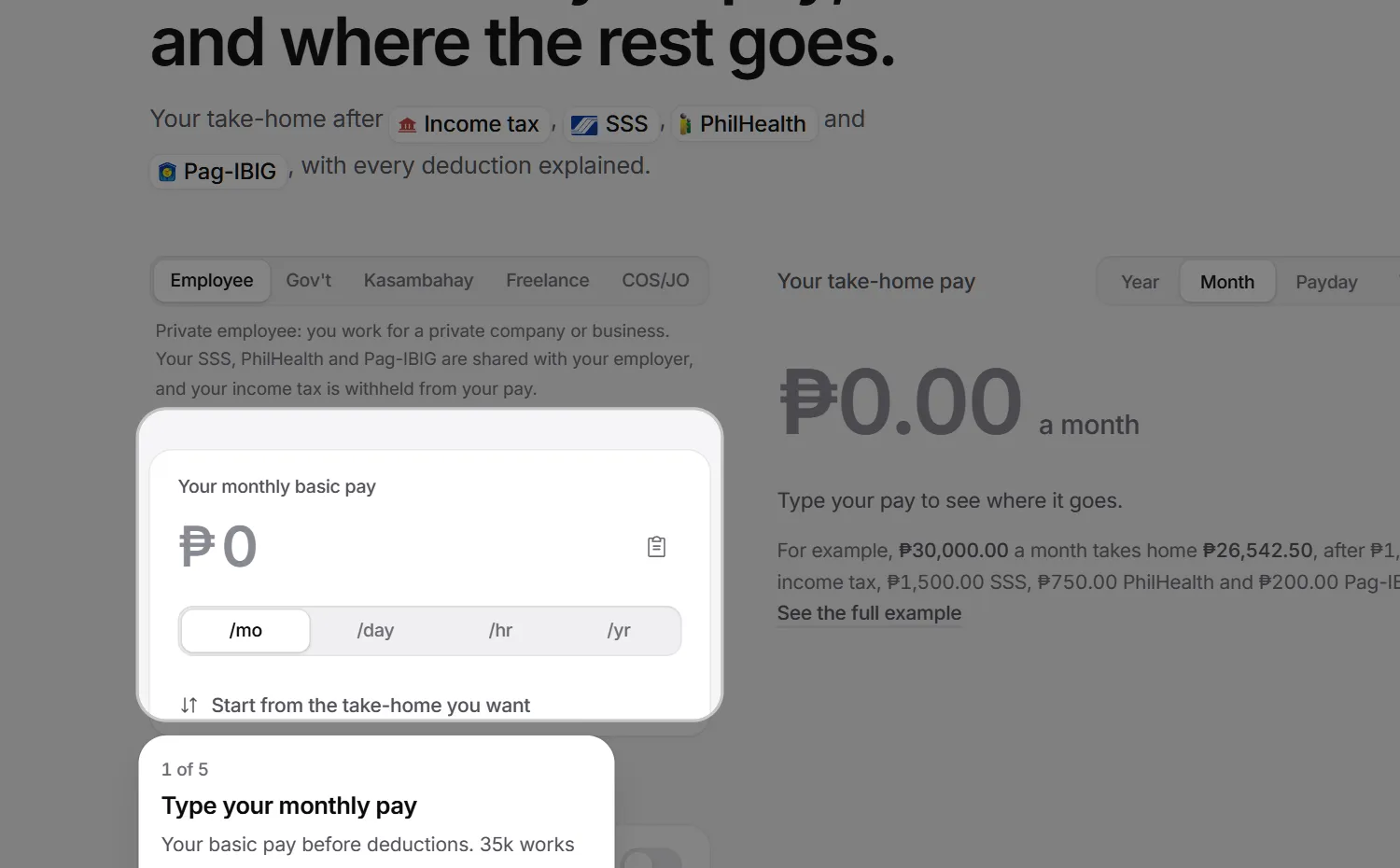
- A worked example under the empty result: a private employee on ₱30,000 a month, computed with the current rules and linked to its own page.Calculator
- On desktop, the left column with the salary, Fine-tune and Tools follows the scroll beside the answer.Calculator
Changed
- Tools sit under Fine-tune.Calculator
- On phones, a few more numbers sit right under the story card.Calculator
- A design pass on the guides index and the guide pages.Guides
1.13.0One prompt at a time
3 added, 4 changed
PinaSweldo asks for less: one shared rule now decides when any prompt may appear.
Added
- One rule for every prompt: one at a time, at most one you didn't ask for each visit, a minute between them, and three quiet days after you dismiss one.Site
- Prompts never appear while you type, in your first seconds, over a sheet, or while the sample salary is showing.Site
- A survey invitation that asks only after a good moment, like a matched estimate, a finished story or a copied link, and says plainly: about 5 minutes, anonymous, pay already filled in.Survey
Changed
- The language suggestion is a compact card with Use and Keep, under the header on phones and at the bottom corner on wider screens.Languages
- Closing the language card lets it ask once more after 14 days. Picking a language yourself ends it.Languages
- The language card never appears on a shared link.Languages
1.12.0COS and JO workers in government
9 added
A fifth kind of worker: contract-of-service and job-order workers in government, whose pay follows contract rules, not payroll rules.
Added
- COS and JO, a fifth worker type for contract-of-service and job-order workers in government.Government
- The contract pay plus a premium of up to 20%, under CSC-COA-DBM Joint Circular No. 1 s.2025.Government
- The tax the agency withholds on each payment: 5%, 10%, 2%, or none up to ₱250,000 from a lone payor, under RR 11-2018.Government
- The 3% percentage tax, unless you chose the 8% rate.Government
- Voluntary SSS, PhilHealth and Pag-IBIG that the agency deducts with your consent, under AO 43 s.2026.Government
- A tax year sheet that sets what was withheld against the year's real tax, and says what comes back or what is left to pay when you file.Government
1.11.0Rates by year
8 added
See how the rates behind a payslip changed from 2018 to 2027, and what your own salary would have taken home in any of those years.
Added
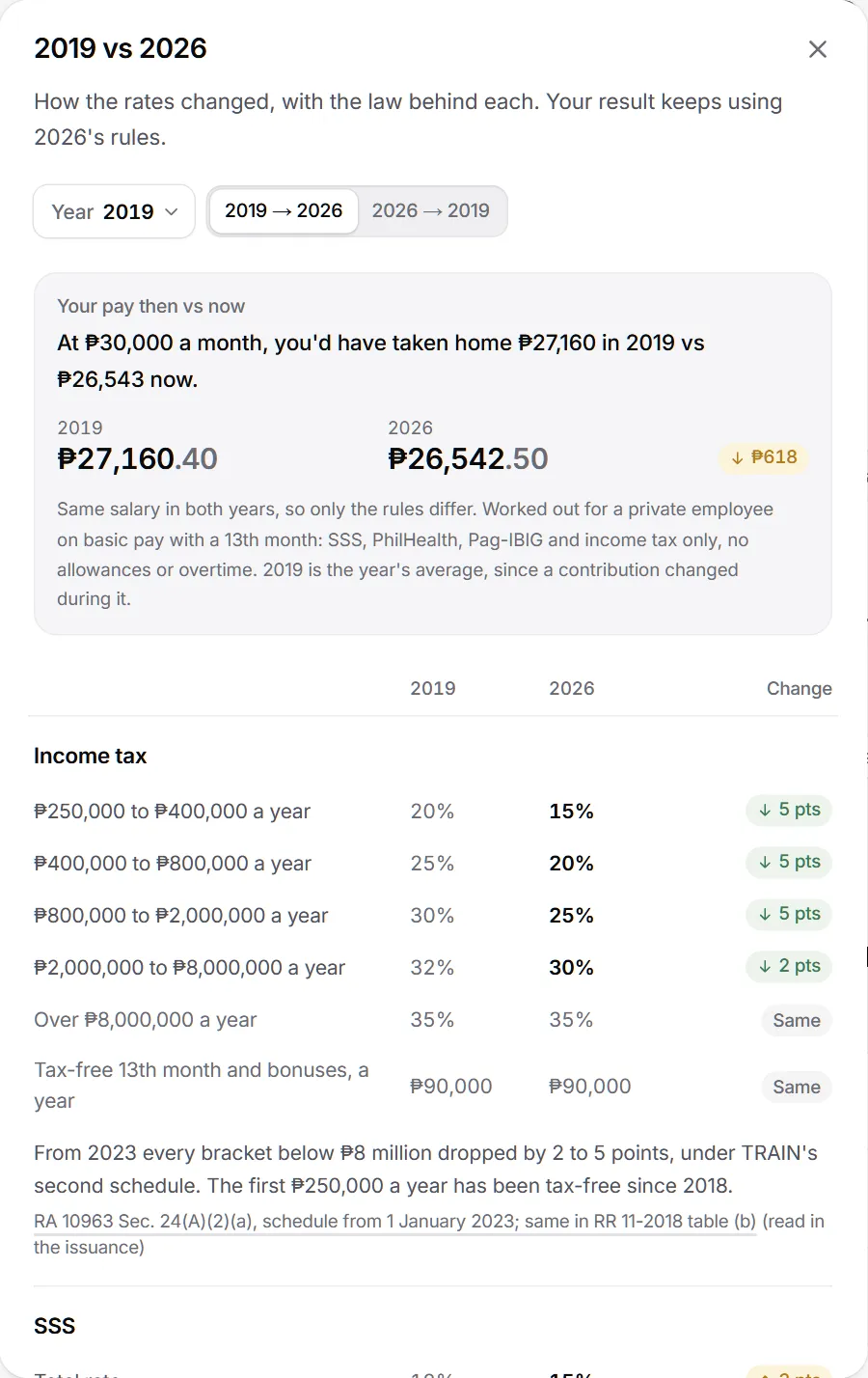
- A "2026 rates" chip in the header opens every year from 2018 to 2027, with 2027 marked scheduled.Calculator
- Each year in the menu says what it changed, like "SSS 15%" or "NCR ₱755".Calculator
- Any year against 2026: tax brackets, the 13th month limit, SSS, PhilHealth, Pag-IBIG, Metro Manila's minimum wage, three salary grades and the de minimis uniform.Calculator
- Each change with a plain line on why, and its source.Calculator
- Changes made partway through a year, listed with their dates.Calculator
- Your pay then vs now: contributions and income tax for your salary under both years' rules.Calculator
1.10.0The share dialog
7 added, 4 changed
Making a story is now one wide dialog with a big live preview, and the estimate disclaimer becomes a calm note.
Added
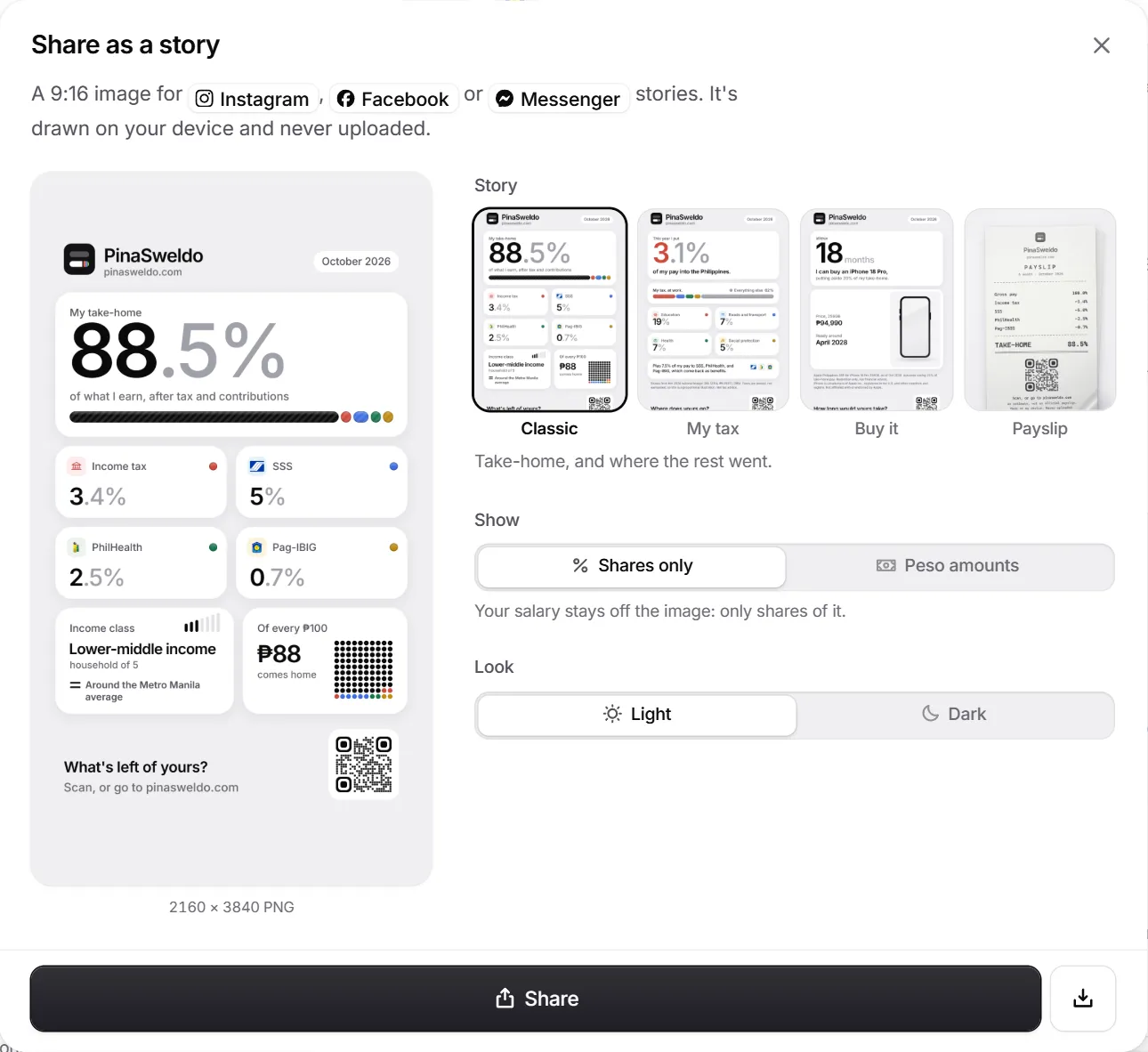
- A wide share dialog with one big live preview beside grouped choices.Sharing
- Story types shown as real thumbnails, drawn on your device.Sharing
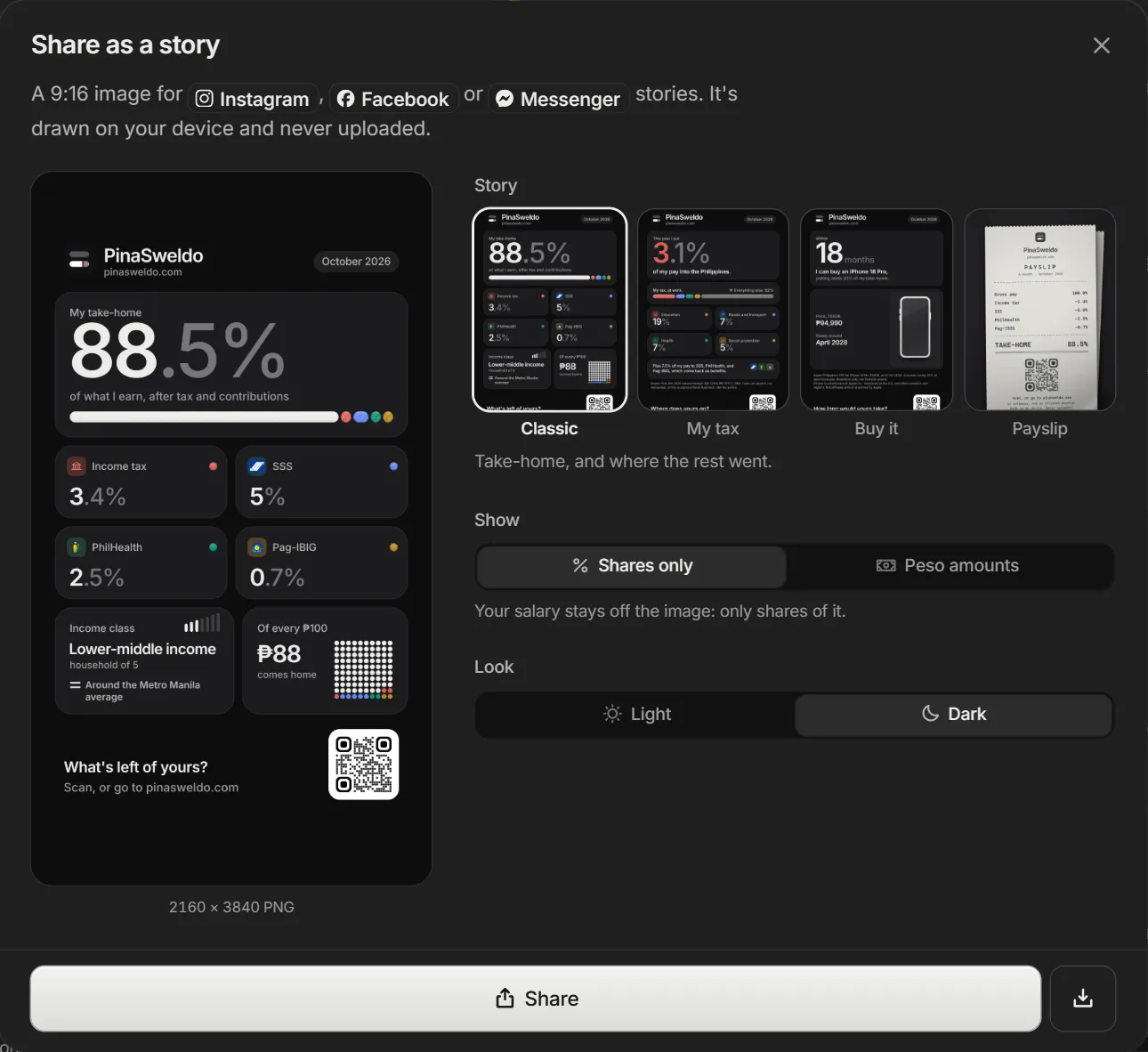
- Show (shares only by default) with what it means, Look with a sun and a moon, and Buy it's price and saving rate one tap deeper.Sharing
- Share or Save image pinned within thumb reach. Save turns into a check for a moment.Sharing
- Instagram, Facebook and Messenger shown as chips with their own glyphs.Sharing
- The estimate disclaimer as a calm note: a soft wash and a small info mark, under the result, in the footer and on the terms.Calculator
1.9.2A contact for security reports
1 fixed, 1 security
Fixed
- Page views are counted again. The site's own security settings had been blocking the counter.Site
Security
- A published contact for reporting security problems.Site
1.9.1Small fixes
3 fixed
Fixed
- A few centavos of payday rounding no longer read as a December refund.Calculator
- The dot grid stays still on hover and animates in only when you switch it on.Design
- The survey prompt's facts sit in whole pills, so no word wraps onto a line by itself.Survey
1.9.0Guides and reference tables
8 added, 3 changed
The rates behind a payslip as pages you can read and check, generated from the same rules as the calculator.
Added
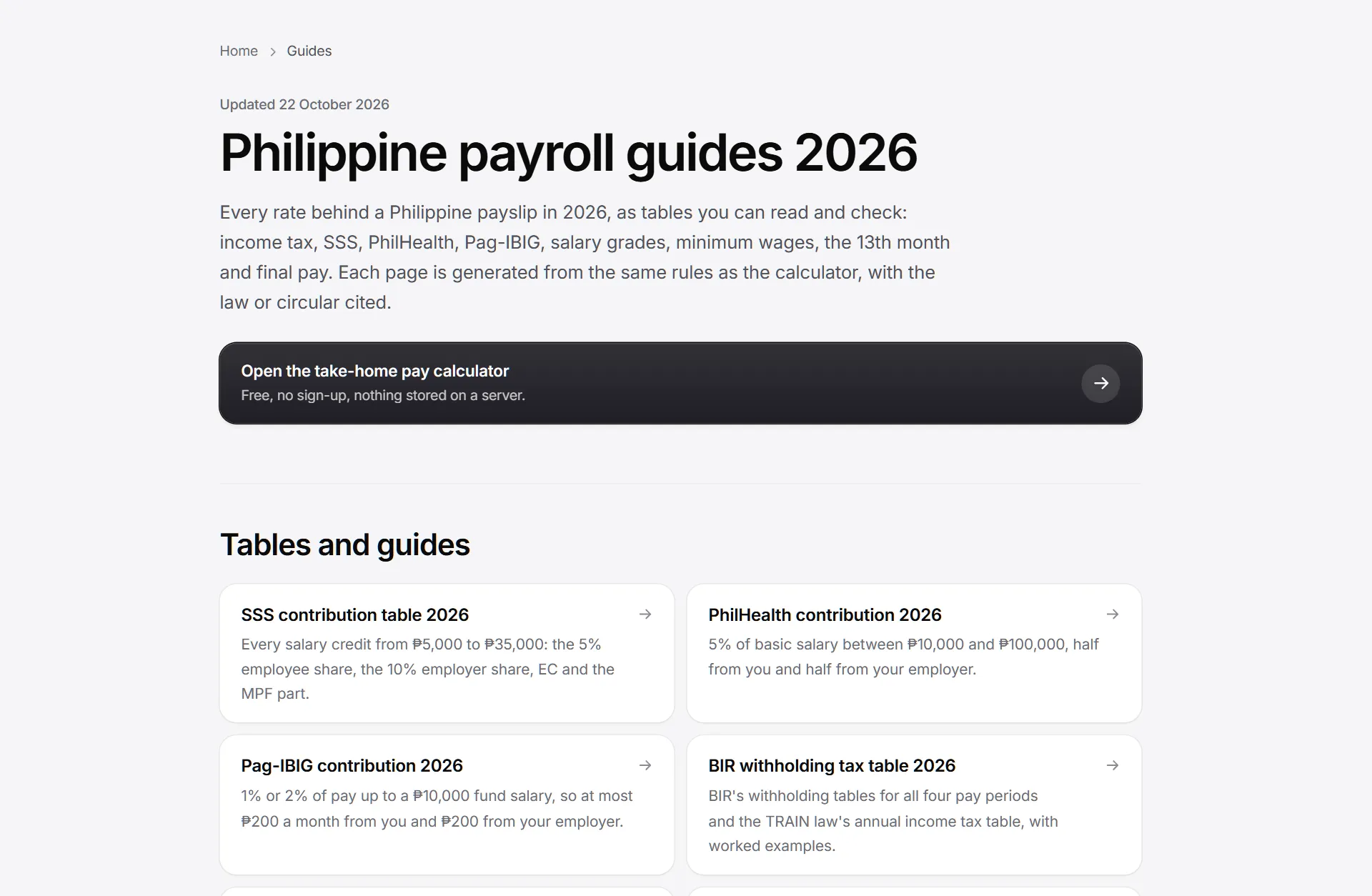
- Nine guides: SSS, PhilHealth, Pag-IBIG, the BIR withholding tables, the 13th month, salary grades, minimum wages, final and separation pay, and take-home by salary.Guides
- Twelve take-home pages for common salaries, from the same engine as the calculator.Guides
- A page for every Salary Grade.Guides
- Every page lists its sources and the date it was updated, with breadcrumbs back to the guides.Guides
- A guides index that links every table and guide.Guides
- The footer links every reference table.Guides
1.8.0Compare an offer, print the computation
8 added
Tools for weighing a job offer and for HR: two jobs side by side for a whole year, a printable computation, and a dated list of rule changes.
Added
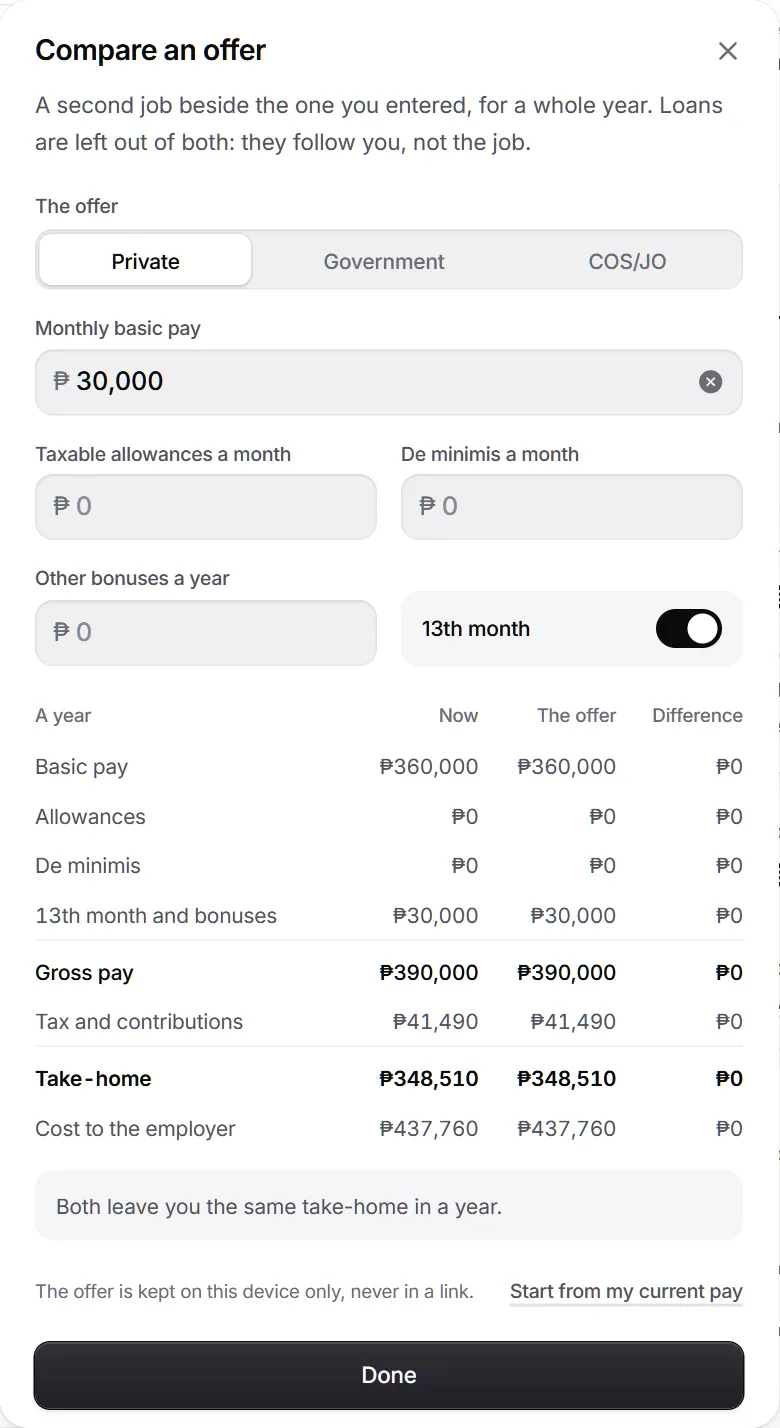
- Compare an offer: a second job beside yours, private or government, for a whole year, with the difference on each line.Calculator
- Basic pay, allowances, de minimis, the 13th month and bonuses, take-home and the cost to the employer, for both offers.Calculator
- The second offer stays on your device and never goes in a link.Calculator
- Print or save as PDF: a computation for HR, a CPA or your own files, with the working and the law behind each deduction.Calculator
- Loans are printed only if you tick Include loans.Calculator
- "Rules as of October 2026 · what changed" in the footer opens a dated list of every rule change behind the figures.Calculator
1.7.0Your year, as it happens
8 added, 1 changed
A new job, a raise or two employers in one year, worked out month by month, with what December's payroll will do.
Added
- Started this year, Got a raise and Two employers this year, under Life events.Calculator
- The year worked out month by month, with a raise from the month it started.Calculator
- A plain line on what December's payroll does: "You'll get ₱X back in December" or "₱X more will be withheld in December".Calculator
- A previous employer's figures from their BIR Form 2316, each field naming its item number.Calculator
- A preview of your own BIR Form 2316, labelled as a preview.Calculator
- Whether you need to file BIR Form 1700 by 15 April, and why.Calculator
1.6.0A calmer calculator
15 added, 5 changed, 6 fixed
A redesign of the calculator itself: an honest empty state, a guided tour, Tools, quieter figures and an accessibility pass.
Added
- An empty state: the calculator starts at ₱0 until you type a salary.Calculator
- Saved figures load without flashing the empty screen first.Calculator
- Reset, to put every setting back.Calculator
- A "numbers only" hint when a letter is typed into the salary.Calculator
- "35k" and "1.2m" are read as 35,000 and 1,200,000.Calculator
- On desktop, the salary field is ready to type in when the page opens.Calculator
1.5.0A payslip with one line missing
10 added, 2 changed
The showcase release: a 404 page with a story, a new link preview, bento stories, flags in the language picker and a language suggestion.
Added
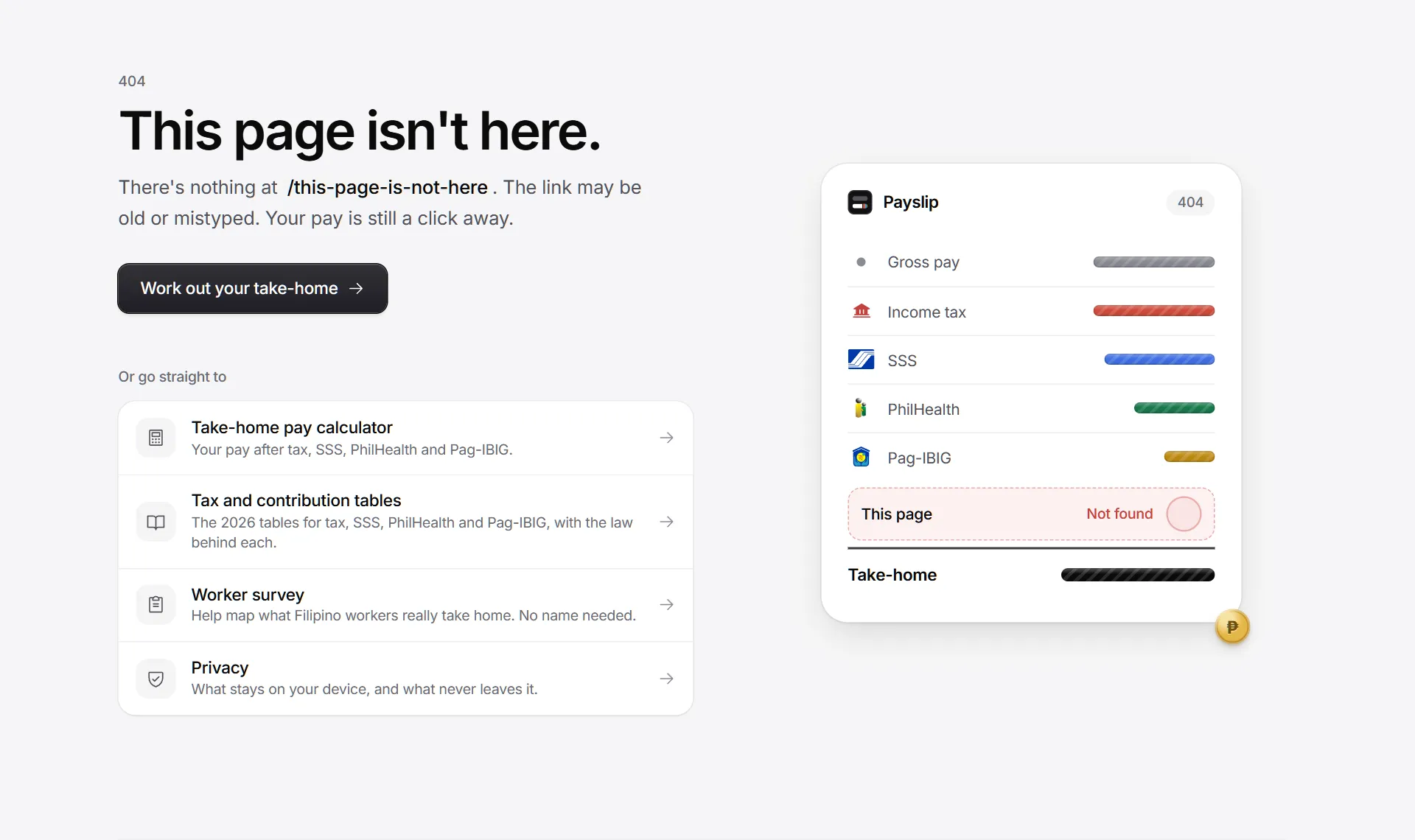
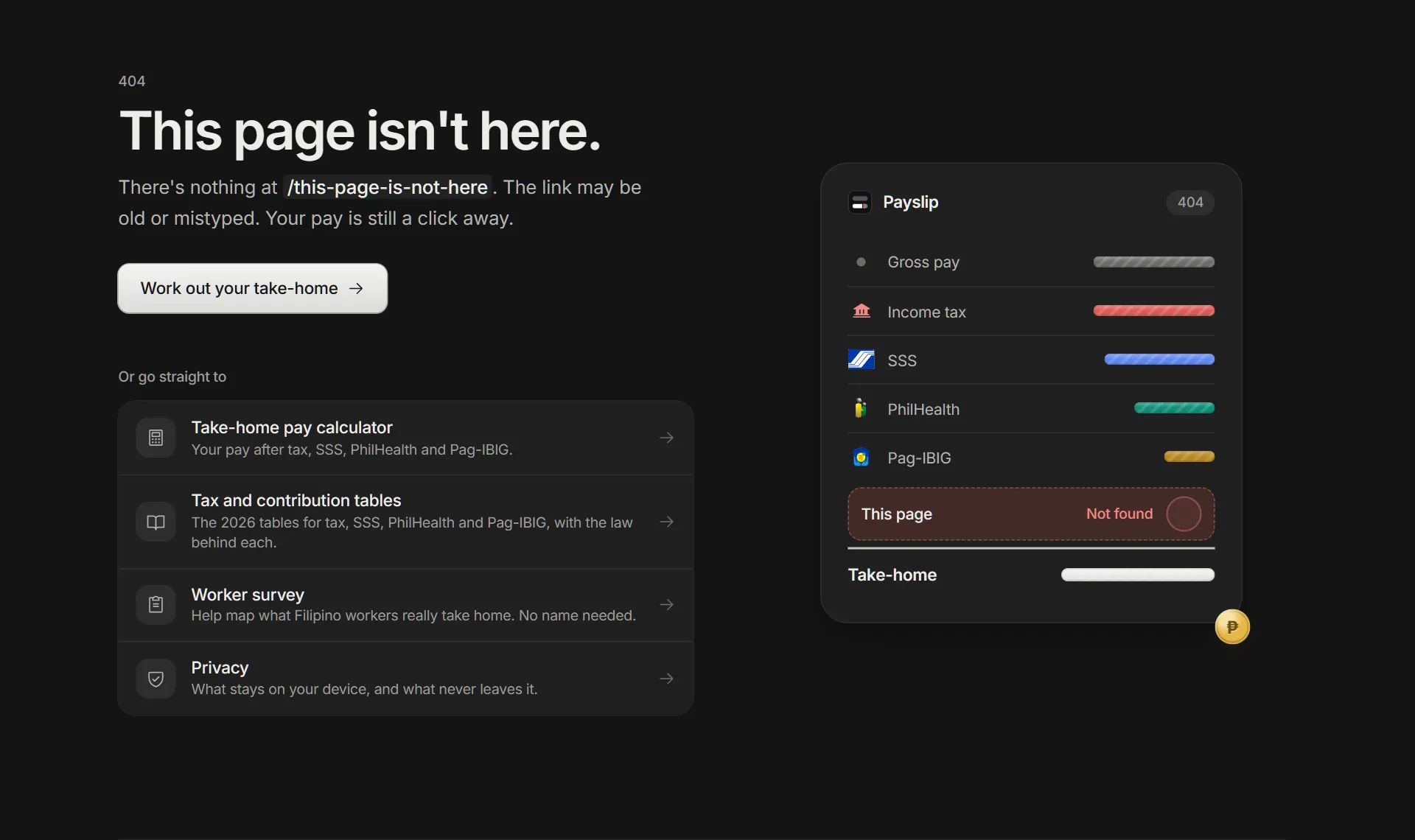
- A new 404 page: a payslip prints in, the line for "This page" comes back empty, and its peso rolls out of the slot and off the edge. Reduced motion shows it already at rest.Site
- The 404 offers the way home and three places worth going: the calculator, the survey and privacy.Site
- A new link preview image with no salary on it: "Magkano ang maiuuwi mo?" beside the PinaSweldo mark and the four agency chips.Sharing
- Open the maker's résumé from Made by after a quick check that you are a person.Site
- The maker's name set edge to edge at the end of Made by.Site
- Icons for the background styles, in the menu and on the button, which shows the style in use.Design
1.4.0Every region's minimum wage
6 added, 2 changed
Minimum wages for every region, read from the wage orders, and short notes on your rights that appear only when they apply.
Added
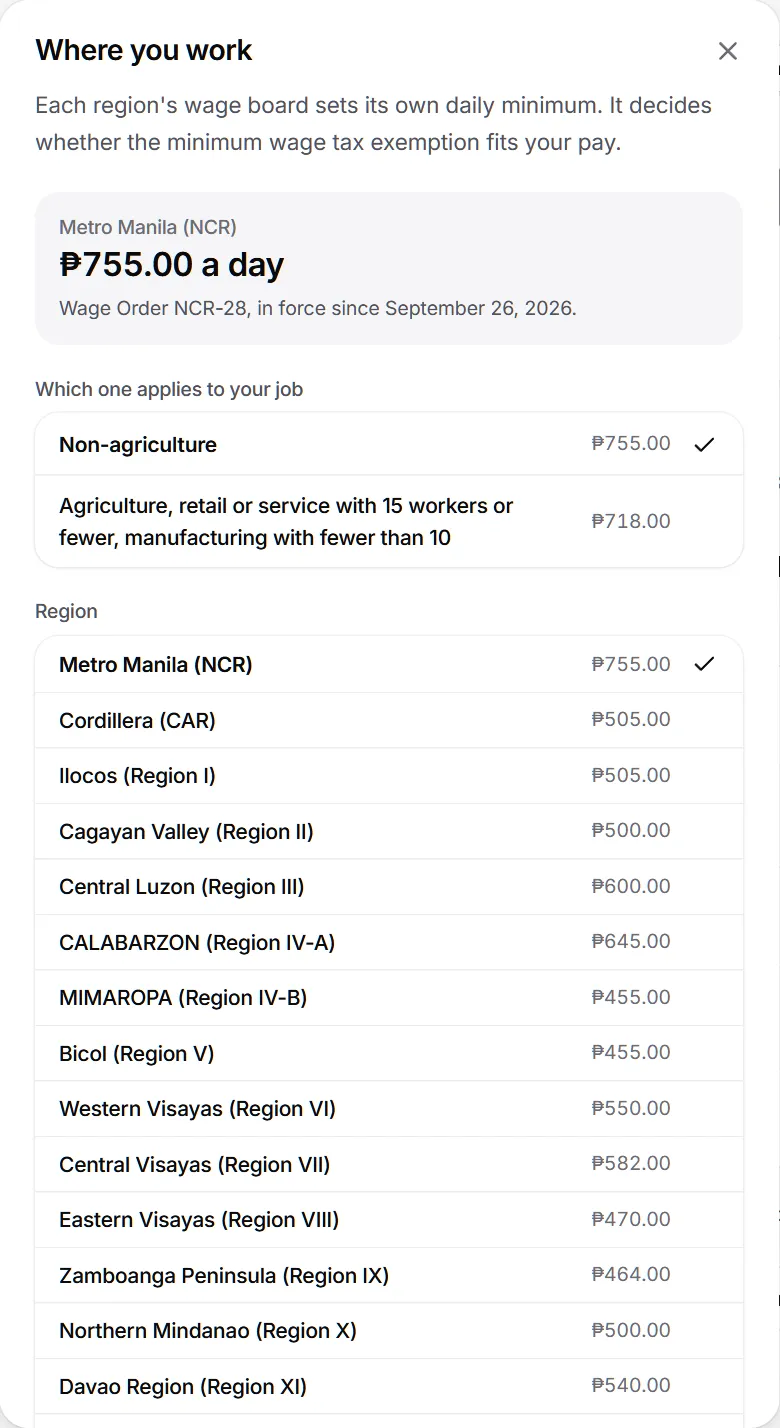
- Every region's minimum wage: all 17 regions plus both halves of the Negros Island Region, each split the way its wage order splits it.Calculator
- Each rate shows its wage order and the date it took effect.Calculator
- Scheduled tranches switch on by themselves on their date.Calculator
- When your pay is at or below your region's minimum, a card asks whether to turn on the minimum wage exemption. It never turns it on for you.Calculator
- Rights notes, only when they apply: pay below the minimum, a 13th month you say wasn't paid, deductions for a cash bond, uniform or shortage, and a government take-home under ₱5,000.Calculator
- Each rights note names the law and where to ask: HR first, then DOLE's SEnA desk or Hotline 1349.Calculator
1.3.0Paydays, BIR tables and Check my payslip
8 added
Match the calculator to how your payroll actually works, then check your payslip against it line by line.
Added
- Choose which payday takes SSS or GSIS, PhilHealth and Pag-IBIG: both, the 15th or the 30th.Calculator
- Withholding by the annualized method or by BIR's withholding tables (RR 11-2018 Annex E).Calculator
- When the 15th and the 30th differ, both amounts show.Calculator
- With BIR's tables, the year view says what December's payroll withholds or refunds to square the year.Calculator
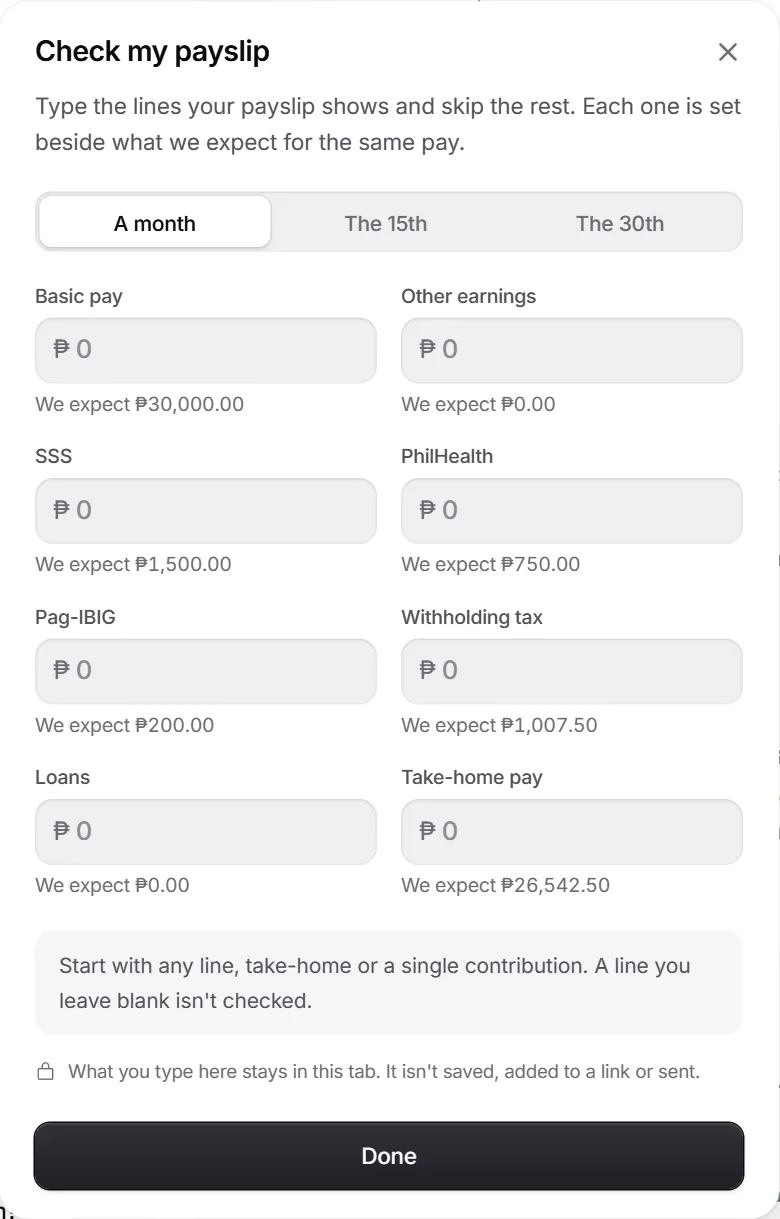
- Check my payslip: type any lines from a payslip and see which ones match.Calculator
- Each gap comes with its likeliest reasons in order, a one-tap setting when timing or the withholding method explains it, and the exact question to ask payroll.Calculator
1.2.0Final pay, separation and retirement
10 added
Leaving a job or retiring: what you are owed, what is tax-free, and when it is due.
Added
- A Life events row in Fine-tune for leaving a job or retiring.Calculator
- Pick why you left, from resigning or the end of a contract to redundancy, retrenchment or closure, or that you are retiring.Calculator
- Salary for the days worked, the pro-rated 13th month and unused leave in cash.Calculator
- Separation pay under Labor Code Arts. 298 and 299.Calculator
- RA 7641 retirement pay, 22.5 days for each year, or your company plan if it pays more.Calculator
- What is tax-free, with the working for each line.Calculator
1.1.0What your contributions buy
6 added
The other side of SSS and Pag-IBIG: what your contributions entitle you to, worked from your own pay.
Added
- Under the SSS line: your maternity benefit, up to ₱70,000 for 105 days.Calculator
- Sickness allowance, unemployment benefit and retirement pension, worked from your own salary credit.Calculator
- Set the years paid in for the pension estimate.Calculator
- Under Pag-IBIG: the Multi-Purpose Loan, up to 80% of your savings.Calculator
- New answers in Questions people ask about what contributions buy.Calculator
- Government employees see a note instead, since GSIS follows its own rules.Government
1.0.1The new name everywhere
1 fixed
Fixed
- The government pay and new hours screens say PinaSweldo instead of the old working name.Site
1.0.0PinaSweldo, on pinasweldo.com
15 added, 1 changed
The public launch. The calculator takes its name and its own address, government employees can pick a Salary Grade and Step, and the rarer kinds of hours are paid the way DOLE's handbook says.
Added
- The name PinaSweldo and the address pinasweldo.com.Site
- Government pay by Salary Grade and Step, on the 2026 schedule or the one scheduled for 2027.Government
- An LGU setting that applies the income-class share, with a field for an LGU that pays its own rate.Government
- A Teacher chip that adds the tax-free teaching allowance under RA 11997.Government
- PERA added each month, outside GSIS, PhilHealth and tax.Government
- Your government year: PERA, the uniform allowance, the Mid-Year and Year-End Bonuses, the Cash Gift, PEI, and PBB and SRI when you enter them, each in the month it is usually paid.Government
0.9.1The minimum wage exemption, fixed
4 fixed
Fixed
- The minimum wage earner switch no longer exempts any salary. The exemption applies only at or below the highest regional minimum, under NIRC Sec. 22(HH).Calculator
- Above the minimum, the switch says the wage is taxed and why.Calculator
- The income tax explainer's formula now equals its result: it uses the regular month's own bracket.Calculator
- A separate December line shows the tax on benefits past the ₱90,000 cap.Calculator
0.9.0More stories
6 added, 2 changed
Three new kinds of story image: where your tax goes, how long until you can buy something, and your pay as a printed payslip.
Added
- My tax: the year's income tax, split across the 2026 national budget in proportion.Sharing
- Buy it: months of saving a share of take-home toward an iPhone, the best-selling car or a home's down payment.Sharing
- A Pag-IBIG housing loan estimate in the home story.Sharing
- Payslip: your pay printed as a thermal slip on a lit surface.Sharing
- Every iPhone from 11 to 18, with new and second-hand prices.Sharing
- Outside prices and figures carry their source and date.Sharing
0.8.0The logo mark
3 added, 4 changed, 1 security
The app icon joins the name in the header, income tax gets its own chip, and the survey button becomes easier to notice.
Added
- The app icon beside the name in the header, drawn to match the favicon exactly.Design
- The intro names income tax in the same chip style as SSS, PhilHealth and Pag-IBIG, with a bank mark in tax red.Calculator
- "Take the survey" is the one filled button on the thank-you card, with the two things that decide a click beside it: about 5 minutes, and your pay already filled in.Survey
Changed
- The thank-you card's gradient is a light tint that drifts at about a third of the speed.Design
- Plain is the default background. The dot grid is one pick away.Design
- Below 344px wide, the name in the header is kept for screen readers so the controls fit.Accessibility
0.7.1Readable gradients
5 fixed
Fixed
- The thank-you gradient works where browsers block reading colours from a canvas, which had turned it grey.Design
- Each theme has its own gradient, checked so text stays at 4.5:1 or better on every colour in it.Accessibility
- A still gradient in the same colours shows where WebGL is off.Design
- The gradient no longer goes blank after the card is drawn a second time.Design
- A match shows GitHub's contribution greens and a miss its danger reds.Design
0.7.0Made by, and a smarter estimate check
8 added, 4 changed, 2 removed
Who makes PinaSweldo and how it works, and a "Did we get it right?" card that remembers what you told it.
Added
- A Made by section before the footer, with a large card leading to the portfolio.Site
- An About the code page: what PinaSweldo is built with, what runs where, how the numbers are worked out and checked, and why the code is private.Site
- A yes on "Did we get it right?" turns the card green with a check, and "Saved" once it is stored.Calculator
- The estimate check remembers salaries you already answered, and comes back less often after you dismiss it.Calculator
- A live green or red backdrop behind the thank-you, with a link to the survey.Calculator
- Sounds for picks, moving between screens, sending and errors, all under the sound switch.Survey
0.6.1Fixes after the survey
11 fixed
Fixed
- The take-home answer keeps focus when "per" appears after the first digit.Survey
- Payday dates sit on the text line as chips instead of hanging below it.Calculator
- Segmented controls size each segment to its label, so "Kasambahay" and "Payday" fit from 320px wide.Design
- The "2026 rates" pill hides under 380px instead of wrapping.Design
- No line starts with a stray comma after a chip or badge.Languages
- The income ladder marks your rung like a chosen segment, with household shares as their own small bars.Calculator
0.6.0Survey, currencies and the legal pages
17 added, 2 security
An anonymous worker survey, take-home in other currencies, and the pages a public site needs.
Added
- An anonymous worker survey: one question per screen, letter keys to answer and Enter to continue.Survey
- Consent and an 18 or older check come first, and optional sections can be skipped.Survey
- Your answers stay in the browser tab until you send them.Survey
- Progress drawn as a take-home bar, with the time left.Survey
- "Did we get it right?": say whether the estimate matched your payslip.Calculator
- Tap the peso sign to see take-home in 21 currencies, with flags and symbols.Calculator
0.5.0Sixteen languages
7 added, 1 changed, 1 fixed
The whole calculator in 16 languages besides English, starting with the five most spoken in the Philippines.
Added
- A language picker, with Filipino, Bisaya, Hiligaynon, Ilokano and Bikol.Languages
- Chinese, Spanish, Hindi, Arabic, French, Bengali, Portuguese, Russian, Indonesian, Japanese and Korean.Languages
- Arabic reads right to left.Languages
- Bisaya, Hiligaynon, Ilokano and Bikol are marked Preview until a native speaker reviews them.Languages
- Your browser's language is picked on your first visit.Languages
- Anything not yet translated falls back to English.Languages
0.4.0The 13th month calculator
10 added, 2 changed, 1 fixed
A full 13th month calculator, an average-wage badge, and toasts that confirm what just happened.
Added
- A 13th month calculator under PD 851 and DOLE's revised guidelines.Calculator
- Same pay all year, or month by month.Calculator
- Daily or monthly pay, with unpaid days at the 261 or 313 rate.Calculator
- Advances already paid, the shared ₱90,000 tax-free cap and the 24 December deadline.Calculator
- Open the 13th month calculator from Bonuses, from the questions, or with #13th-month in the address.Calculator
- A badge comparing your pay with PSA's 2024 regional average wages, with a region picker.Calculator
0.3.0A better salary field
8 added, 3 changed, 2 fixed
A salary field that behaves on every phone, an income ladder you can read at a glance, and sharper stories.
Added
- A clear button beside paste.Calculator
- Clicking the amount selects all of it, reliably on iPhone too.Calculator
- The number pad shows on phones.Calculator
- A plain explanation when take-home is zero or loans are capped.Calculator
- Story images show the income band and a QR code to the site, never a link with your pay.Sharing
- Stories render at 2160 by 3840, inside Instagram's safe zones.Sharing
0.2.1Typing without the freeze
11 fixed
Fixed
- Typing a salary no longer freezes the page. A keystroke takes 15 to 34 milliseconds, down from as much as 270.Performance
- The grid chart no longer tries to draw thousands of squares while a salary is still being typed.Calculator
- Figures settle once you pause typing instead of rolling on every digit.Performance
- Take-home never shows below zero.Calculator
- Loans stop at what is left after tax and contributions, and the rest is shown as not deducted.Calculator
- When pay is smaller than the minimum contributions, the gap is shown as a shortfall.Calculator
0.2.0Charts and the income band
10 added
Three ways to see where the pay goes, and a chip that places the pay among the country's income classes.
Added
- See where your pay goes as a bar, a ring or a grid of 100 squares.Calculator
- Point at or tap a part of the chart to see its name and share.Calculator
- Chart colours chosen to stay apart for colour-blind readers and to keep their contrast in both themes.Accessibility
- An income band chip that places your pay among the PIDS income classes, using PSA's 2025 poverty line.Calculator
- The band compares per person, for any household size.Calculator
- The full income ladder with its sources, one tap from the chip.Calculator
0.1.1The right cursor
2 fixed
Fixed
- The text cursor shows over every label and figure, not only over paragraphs.Design
- Fields show one cursor instead of two.Design
0.1.0The first calculator
16 added
The first working version: a 2026 take-home pay calculator that shows every deduction and the working behind it, all on your device.
Added
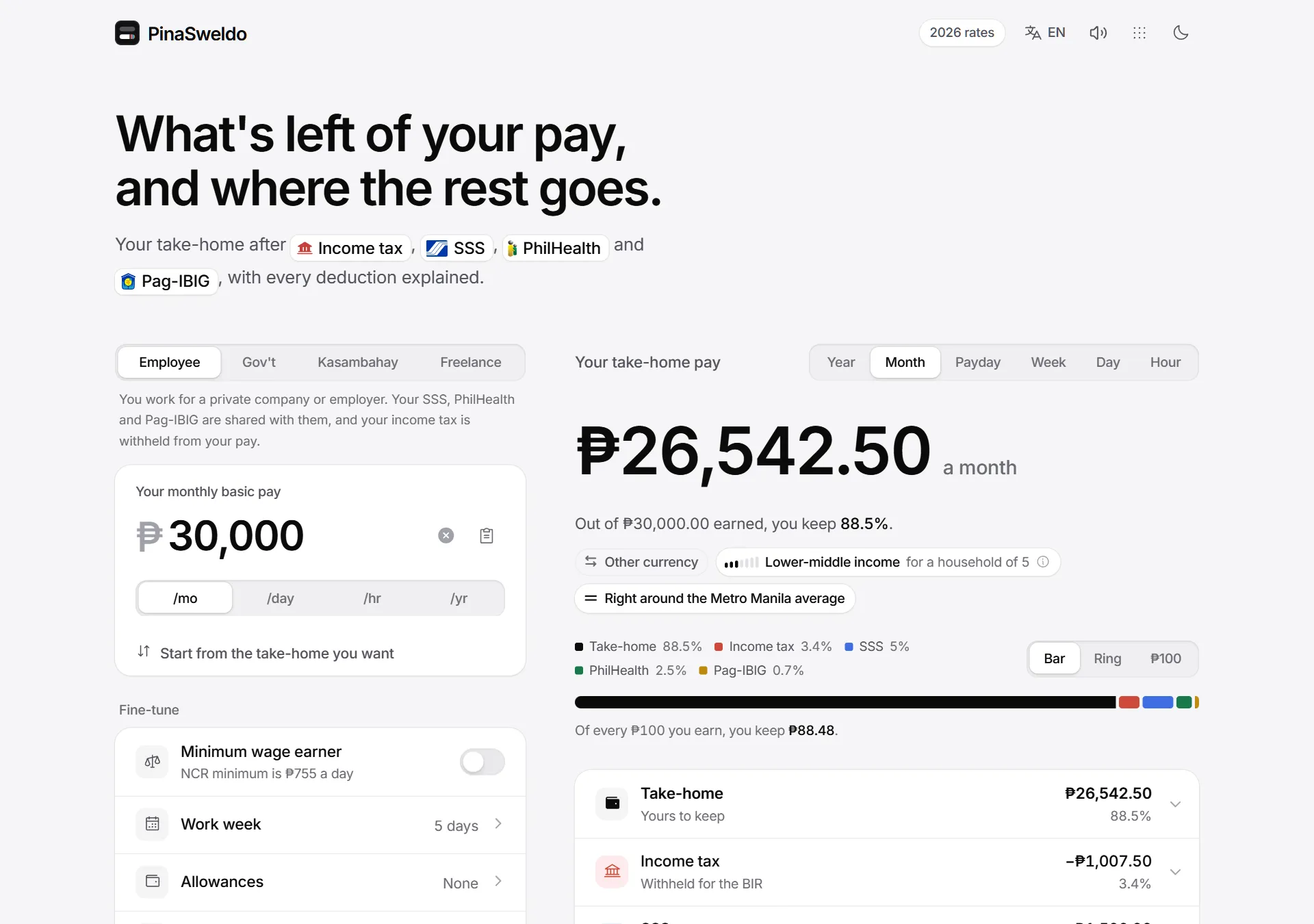
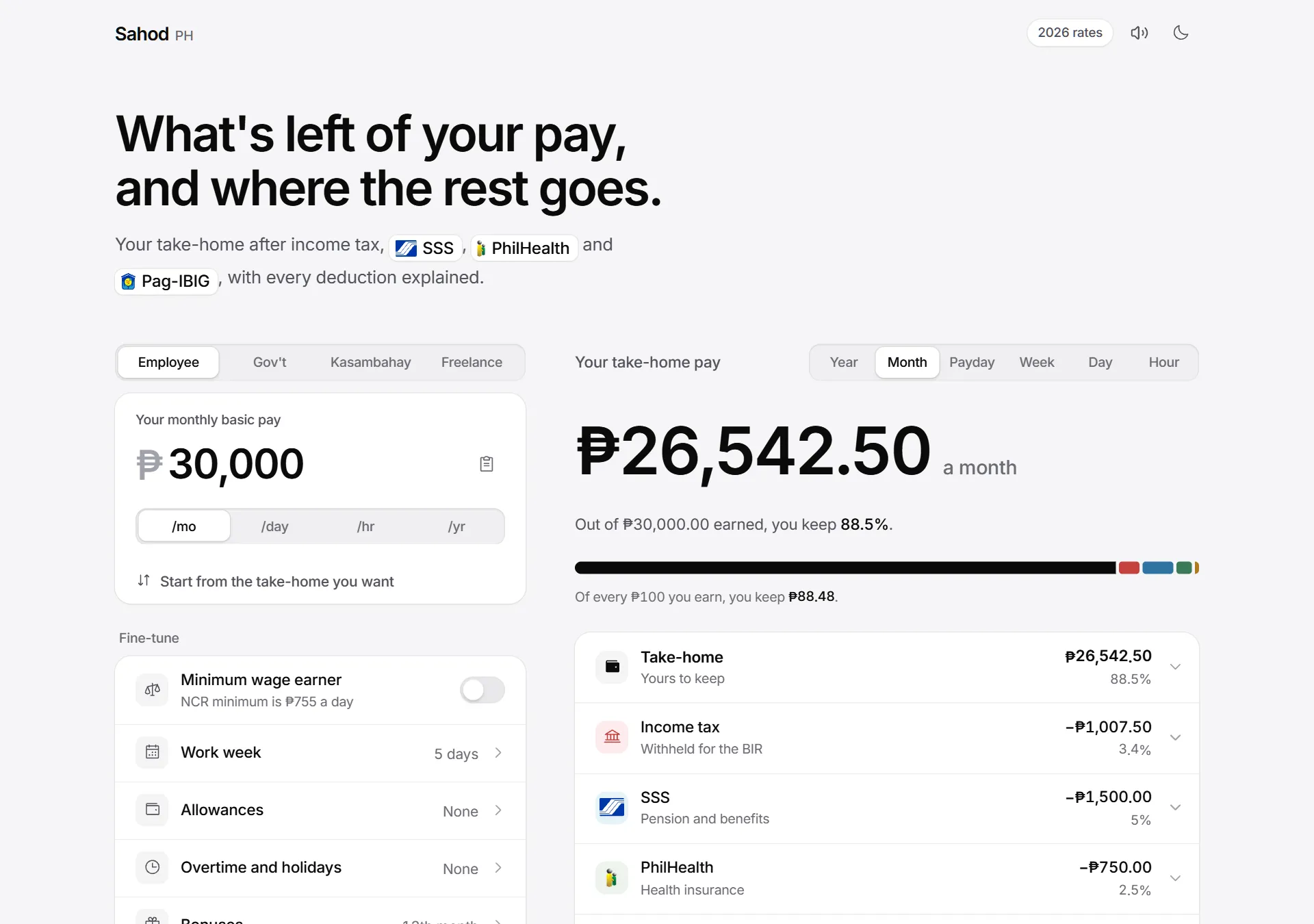
- Take-home pay after income tax, SSS, PhilHealth and Pag-IBIG under the 2026 rules, worked out on your device as you type.Calculator
- Results per year, month, payday, week, day or hour.Calculator
- A plain explainer under each deduction, with the formula worked through using your own numbers.Calculator
- Start from the answer: enter the take-home you want and get the salary to ask for.Calculator
- Your effective and marginal tax rates, what a raise would leave you, and what your job costs your employer.Calculator
- Kasambahay pay under RA 10361.Calculator